Getting Started with
Websys Connect

Websys connect is a WhatsApp business flow designer with in-built modules for booking, ticketing, and e-commerce. Its drag-and-drop interface enables seamless automation and interactive customer engagement.

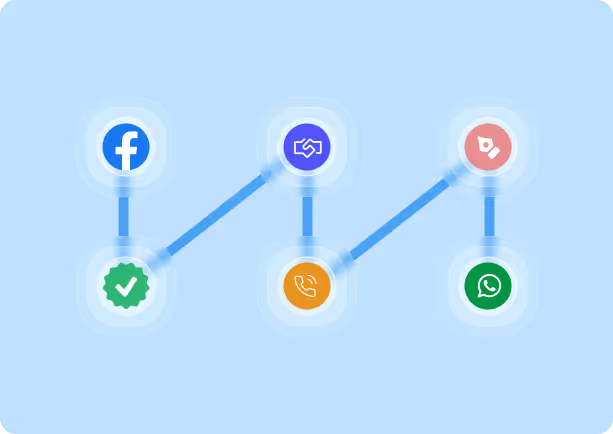
Get Started in 6 Easy Steps

Easily get started by following our clear, step-by-step process to set up and run your WhatsApp Business automation smoothly

01

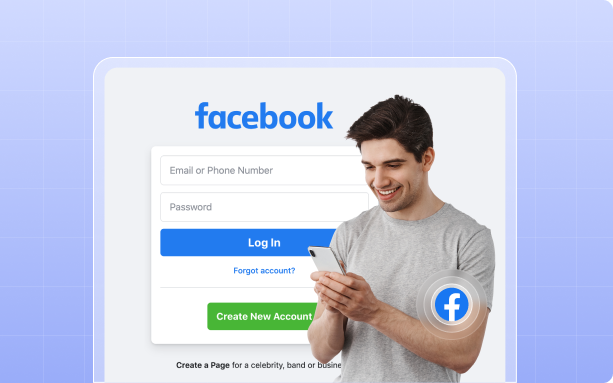
Sign Up with Your Facebook Account

To use Websys Connect's WhatsApp flow automation tool, you must have a Facebook account. This is required because WhatsApp Business API onboarding and business verification are managed through Facebook's platform. Simply sign in using your Facebook credentials to get started. If you don't have a Facebook account, you'll need to create one before proceeding.
02

Create or Verify Your Business Portfolio Page

Set up or confirm your business portfolio page to ensure a professional image on the platform. This crucial step helps build trust and facilitates effective customer engagement.

03

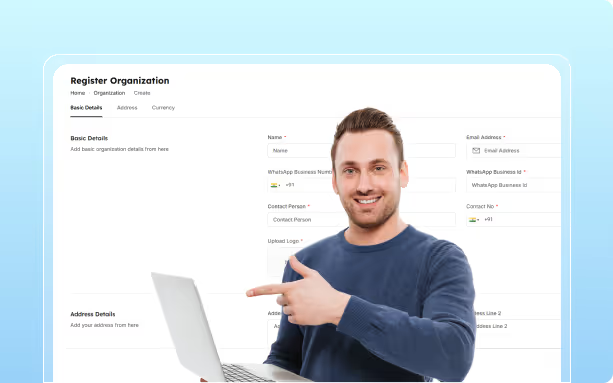
Connect with Websys Connect

Register your business with Websys Connect. Our team will guide you through the process, helping you integrate your business portfolio and prepare for WhatsApp Business API onboarding.
Smiling man in blue sweater pointing at a laptop screen with a Register Organization form displayed in the background.

04

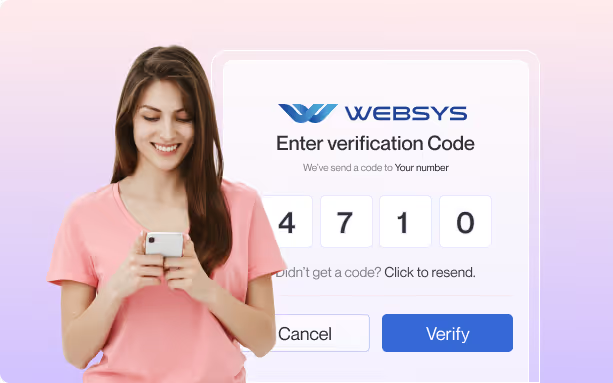
Phone Number Verification

Provide a phone number capable of receiving SMS or voice calls. This number will be verified and linked to your WhatsApp Business API account, enabling you to communicate with customers at scale.

05

Design Your Custom WhatsApp Flow

Use our intuitive drag-and-drop designer tool to build your own booking, ticketing, or e-commerce flow. The visual interface allows you to create interactive, multi-step processes—such as forms, surveys, or order workflows—directly within WhatsApp chats. If you need assistance, our experts can help design a flow tailored to your business requirements.
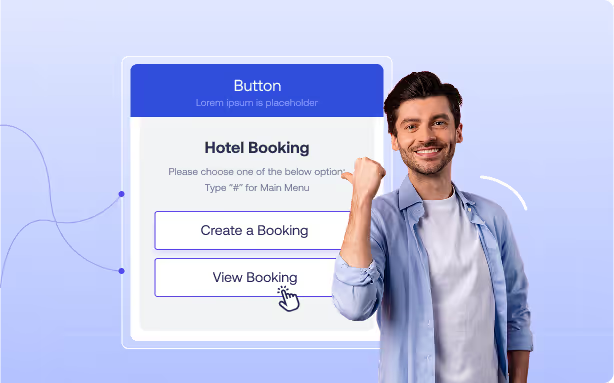
Man smiling and pointing to a digital interface with hotel booking options: Create a Booking and View Booking.
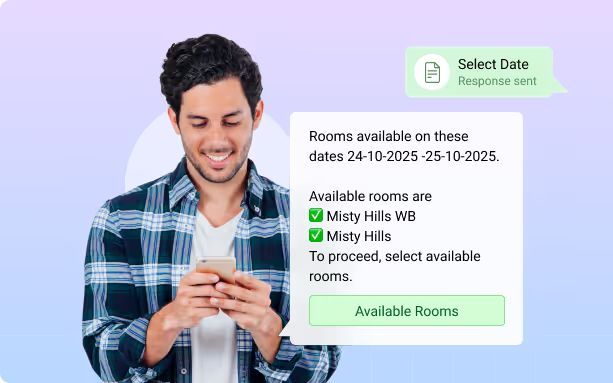
Man in a checkered shirt smiling while holding a phone, with a chat bubble showing room availability for Misty Hills on specific dates.

06

Go Live and Engage Customers

Once your flow is ready and your number is verified, publish it to make your WhatsApp bot accessible to the public. Customers can now interact with your custom flow, making bookings, purchasing tickets, or shopping—all within WhatsApp.

Key Features & Benefits

Everything you need to create powerful WhatsApp automation flows
No Coding Required
Easily design complex workflows using a user-friendly drag-and-drop interface
In-Built Modules
Ready-to-use templates for booking, ticketing, and e-commerce save time and effort
Interactive Experiences
Incorporate buttons, dropdowns, and rich media to boost customer engagement and conversion rates
Automation
Streamline repetitive tasks and provide instant responses to customer queries, reducing manual workload
Seamless Integration
Connect with CRM, payment gateways, and other business tools for a unified workflow